GoHighLevel AI Employee: What It Does, What It Costs and How to Set It Up
One AI persona answering chat, SMS, calls and reviews. What the GHL AI Employee includes, what it costs and a safe four-week rollout plan.

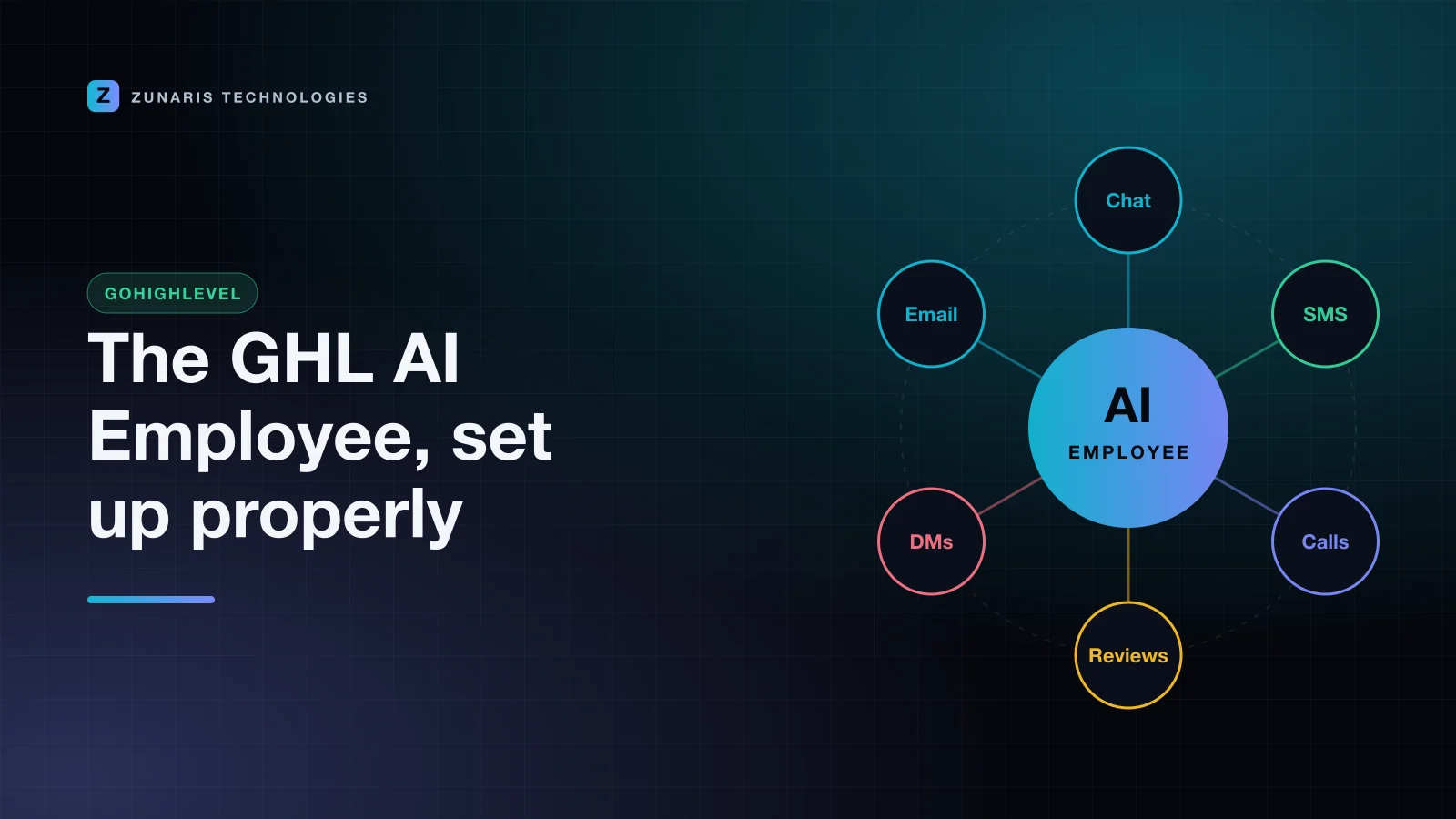
The GoHighLevel AI Employee is the biggest change to the platform for service businesses in 2026. Instead of setting up a separate bot for chat, another for calls and another for reviews, you configure one AI persona with your business rules and let it work across every channel in your sub-account. Done well, it answers leads in seconds at any hour. Done badly, it confidently tells customers the wrong price.
This guide covers what the AI Employee includes, what it costs, and the rollout plan we use with clients so the AI helps your team instead of creating clean-up work.
What is the GoHighLevel AI Employee?
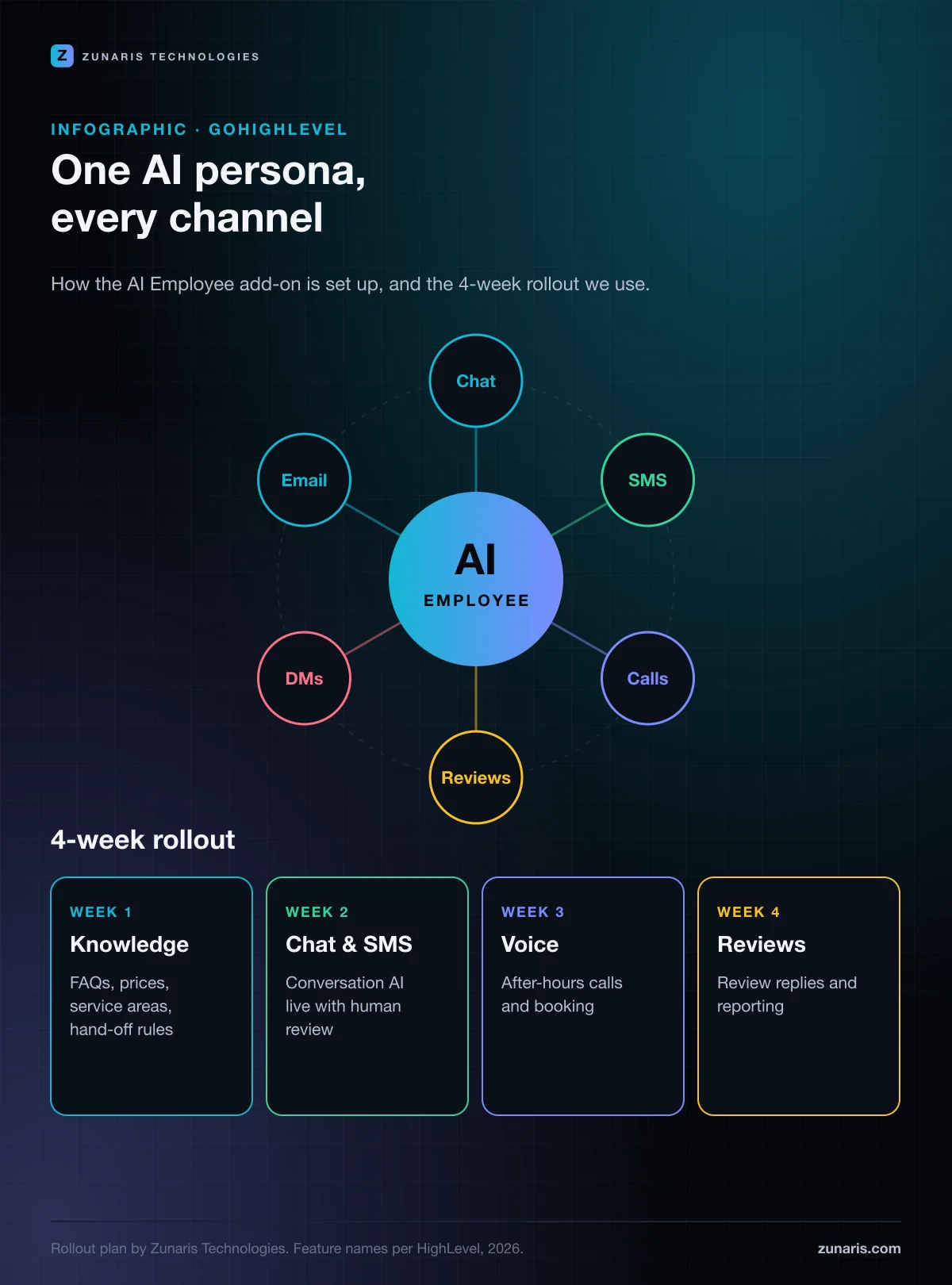
"AI Employee" is HighLevel's name for its bundle of AI tools working together under one configuration. The pieces you will hear about most are:
- Conversation AI: replies to website chat, SMS, Facebook and Instagram messages, and can book appointments into your calendars.
- Voice AI: answers inbound calls, qualifies callers, books appointments and hands over to a human when needed.
- Reviews AI: drafts or sends replies to new reviews in your brand voice.
- Content AI: writes emails, social posts, funnel copy and blog drafts inside the platform.
- Workflow AI: helps build and adjust automations by describing them in plain language.
The point of the bundle is consistency. One knowledge base, one tone of voice and one set of hand-off rules apply whether the customer texts, calls or leaves a review.
How much does the AI Employee cost?
At the time of writing, several HighLevel partners report that the core AI tools are available on all plans with usage-based charges, and that an AI Employee unlimited add-on is priced at about $97 per month per sub-account. HighLevel changes pricing and packaging regularly, so confirm the current numbers in your agency billing settings or on HighLevel's pricing page before you quote a client.
As a rule of thumb: if a sub-account handles more than a few hundred AI conversations or a steady stream of calls each month, the flat add-on usually works out cheaper and easier to budget than paying per use.
Where the AI Employee earns its keep
We see the clearest return in businesses where speed to lead decides who wins the job:
- Home services (plumbing, HVAC, roofing, cleaning): answering after-hours calls and booking estimates.
- Clinics and med spas: answering pricing and availability questions and filling cancellations.
- Real estate and mortgage: qualifying portal leads within a minute, day or night.
- Agencies: offering a done-for-you AI receptionist as a monthly retainer to every client.
A 4-week GoHighLevel AI Employee rollout plan
Switching every channel on at once is the most common mistake we see. Roll out one channel a week and review the conversations before you move on.
Week 1: Build the knowledge base
Write down what a great front-desk person knows: services, price ranges, service areas, opening hours, booking rules, cancellation policy and the ten questions customers ask most. Add clear hand-off rules: complaints, refunds, medical or legal questions and anything over a set value should always go to a human. Most AI "mistakes" are really missing information.
Week 2: Conversation AI on chat and SMS
Start in suggestive mode, where the AI drafts and a person approves, for the first few days. Read every conversation. When the drafts are consistently right, switch to auto-pilot during business hours, then extend to evenings and weekends. Connect booking to the correct calendar and test it from a real phone.
Week 3: Voice AI for missed and after-hours calls
Route only after-hours and overflow calls to Voice AI at first. Keep the greeting honest: callers react better to "I'm the virtual assistant for…" than to a bot pretending to be human. Review call recordings and transcripts daily for the first week and tighten the script wherever callers got stuck.
Week 4: Reviews AI and reporting
Let the AI draft review replies, approve them for a week, then automate replies to 4- and 5-star reviews while keeping a human on anything lower. Pair this with an automated review request after every completed job. Our reputation management service uses exactly this pattern.
Guardrails that keep the AI on-brand
- One source of truth. Keep prices and policies in the knowledge base, not scattered across prompts, and update it whenever the business changes.
- Tag every AI conversation. Use tags or custom fields so you can report on what the AI handled, booked and escalated.
- Notify humans fast. Escalations should create a task and alert the right person by SMS or the mobile app, not sit in an inbox.
- Respect consent. Make sure SMS and call follow-ups follow the opt-in and messaging rules for each country you operate in, including A2P registration in the US.
- Review weekly. Fifteen minutes reading transcripts each week prevents most problems.
Is the GoHighLevel AI Employee right for you?
If you miss calls, answer leads hours later or spend your evenings replying to "How much does it cost?", the AI Employee will likely pay for itself quickly. If your sales process is complex and every enquiry needs an expert from the first message, use it for triage and booking only, and keep the conversation human.
We set up and manage HighLevel for businesses in India, the US, the UK, Canada, the UAE and Oman. If you'd like the AI Employee configured properly from day one, explore our GoHighLevel implementation service or our work on Voice AI agents, and book a call.
Keep reading
SEO
Google AI Mode SEO: How to Get Your Business Cited in AI Answers
AI Mode now reaches over a billion people a month. Here is how AI answers choose their sources, and the checklist we use to get businesses cited.
Mohammad Mohsin Taufeeque · 8 Nov 2026 · 4 min read